Free Scratch Card Widget for Your Website
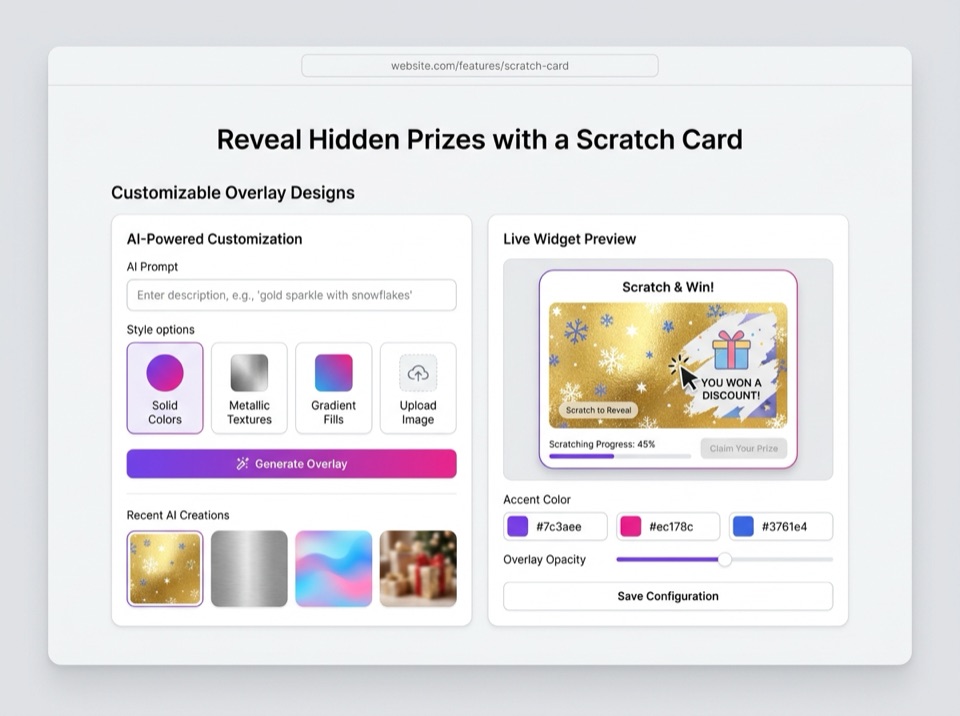
A virtual scratch card that hides a coupon code or prize until visitors scratch it off. Ask for an email before the reveal, set the odds, limit it to one play. Describe it to the AI, then paste two lines of HTML into WordPress, Shopify, Squarespace or Wix.
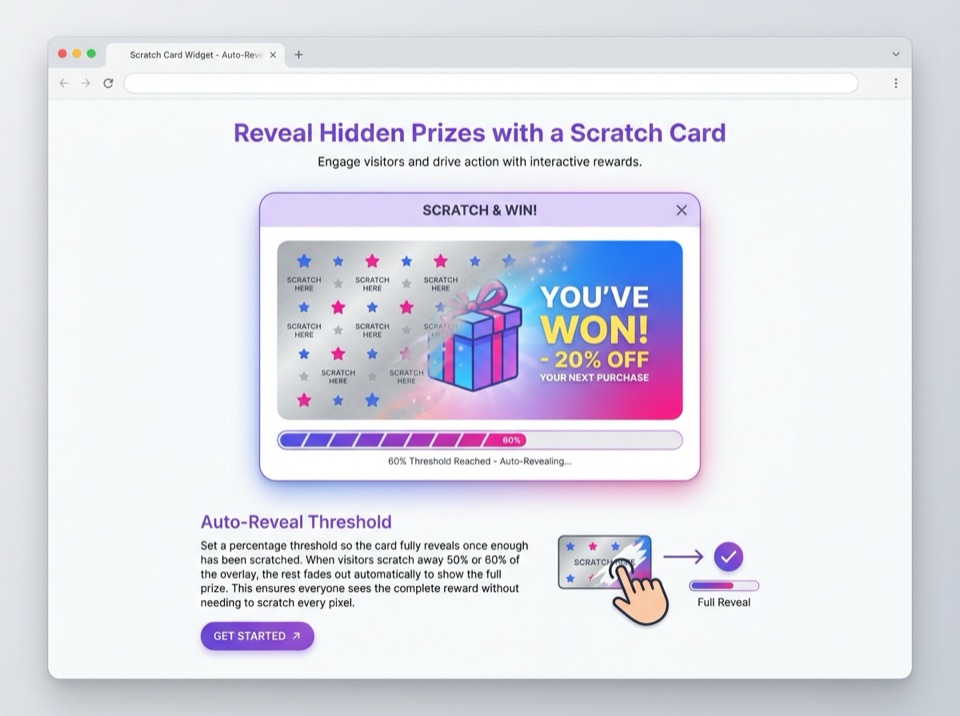
Example card. Scratch about half of it and the rest clears.
Four Scratch Cards You Can Build
The demo above shows the four setups people ask for most. They differ in what sits under the coating and what the visitor has to do first.
- Scratch-off coupon. Everyone wins the same code, or one of a few. It is a discount banner with a reason to look at it, and the simplest setup to run because nobody loses.
- Scratch-to-win prize. The card picks one prize from a list, by odds you set. Good for a launch week, a holiday, or a thank-you page after an order.
- Email first. The card stays locked until the visitor enters an email. The address is saved, then the scratching starts.
- Win or try again. Some cards lose. Keep the losing card friendly ("come back tomorrow") and pair it with a play limit, or people simply reload until they win.
Collect Emails Before the Reveal
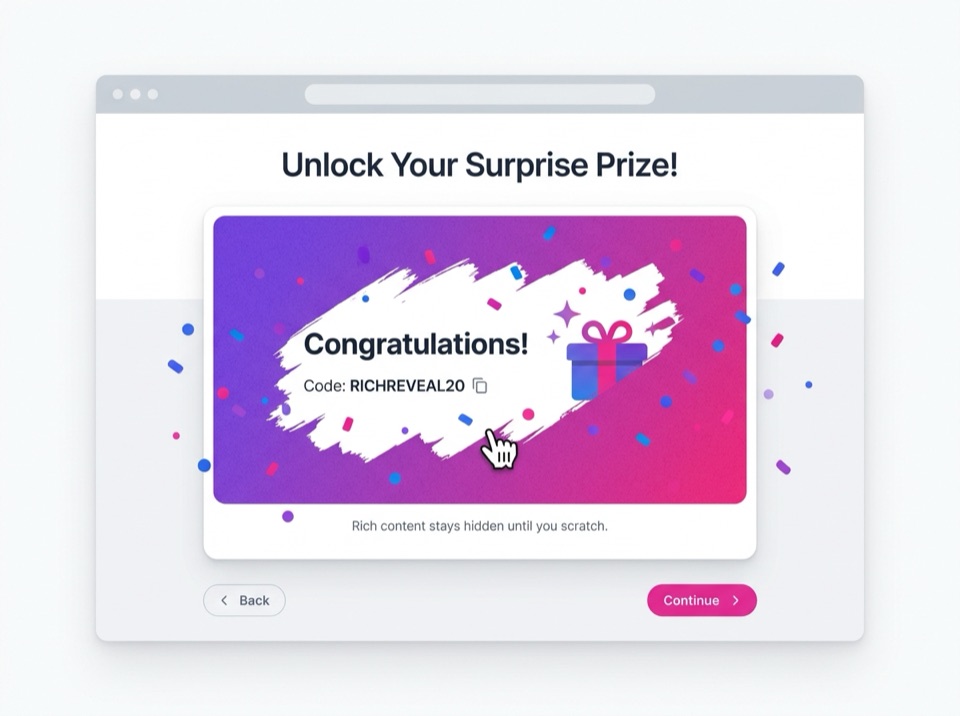
An email-gated card is the most common reason to add a scratch card at all. The visitor gets a small reward, and you get an address from someone who wanted it.
When you ask for an email field, MightyWidgets saves each address to a data table that belongs to the widget. You can read the entries in your dashboard and download them as a CSV to import into Mailchimp, Klaviyo or whatever you send email with. The card can save more than the address: the prize it showed, a first name, or which page it was on.
Three things worth asking for in the prompt:
- A consent checkbox ("Send me offers by email") if you plan to send marketing email. In the EU and UK that usually needs to be a separate, unticked choice.
- The prize saved next to each email, so you can match a claimed prize to an entry later.
- A short line under the field saying what you will send and how often.
Prizes, Odds and Play Limits
To give out different prizes, list them with a weight in your description. The card adds up the weights and picks one at random each time it loads. A prompt like "60 for 10% off, 30 for free shipping, 9 for a tote bag, 1 for 50% off" works out like this:
| Prize | Weight | Chance per card |
|---|---|---|
| 10% off | 60 | 60 in 100 |
| Free shipping | 30 | 30 in 100 |
| Free tote bag | 9 | 9 in 100 |
| 50% off | 1 | 1 in 100 |
For one play per visitor, ask the card to remember that it was played. It stores a note in the browser's local storage and, on the next visit, shows the same result or a "come back tomorrow" message. You can make the limit one play ever, one per day, or one per campaign.
Be clear about the limits. The prize pick and the play limit both run in the visitor's browser. Clearing browser data, a private window or a second device gives a fresh card, and someone who opens the developer tools can read the prize list and the odds. That is fine for a discount you would give anyway. For prizes of real value, hand out single-use codes yourself, set a usage limit on each code in your checkout, or check the winner's entry before you send anything.
When the Card Appears
Where you place the card matters about as much as the prize. These are the options to ask for:
- In the page. The card sits where you paste the snippet: a landing page, the cart, an order confirmation page. Nothing pops up, so it never gets in anyone's way.
- Popup after a delay or scroll. The card opens after, say, 15 seconds or once the visitor is halfway down the page. Give it a clear close button and do not show it again in the same visit.
- Exit intent. The card opens when the mouse heads for the top of the window to leave. Phones have no mouse, so on small screens use the delay or scroll trigger instead.
- A floating button. A small "Scratch for a gift" tab in a corner that opens the card when clicked.
On phones, scratching works with a finger. While a finger is on the card, the page does not scroll, which is what makes scratching possible. Keep the card a bit narrower than the screen so there is always room to scroll past it, and keep the "Reveal" button for anyone who would rather tap.
Prize Promotion Rules in Plain Terms
A scratch card where prizes are won by chance can count as a sweepstakes or prize draw. The rules differ by country and by US state, but a few points come up nearly everywhere:
- No purchase necessary. In many places a chance-based prize must not require buying something. If the card is only on your checkout page, offer a free way to enter too, such as the same card on a public page.
- Published rules. Usually who can enter, the start and end dates, each prize and its value, the odds, and how prizes are claimed. Link to them under the card.
- Larger prizes, more rules. Some US states require registration above a certain total prize value, and some countries restrict prize promotions further.
A discount that everyone gets is generally simpler, because nobody is choosing winners by chance. This section is general information, not legal advice. Check the rules where you and your visitors are, or ask a lawyer before you run a promotion with prizes of real value.
Prefer to Code the Scratch Card Yourself?
Here is a working scratch card in plain HTML and JavaScript, free to copy. A canvas sits over the prize, each drag erases a line with the destination-out blend mode, and the card clears once half the coating is gone. Pointer events cover mouse, touch and pen in one handler.
<div class="scratch" style="position:relative;width:320px;height:180px;border-radius:12px;overflow:hidden">
  <div style="display:grid;place-items:center;height:100%;background:#fde68a;font:700 28px system-ui">
    SAVE20
  </div>
  <canvas width="320" height="180" aria-label="Scratch to reveal your code"
          style="position:absolute;inset:0;width:100%;height:100%;touch-action:none"></canvas>
</div>
<button type="button" class="reveal">Reveal without scratching</button>

<script>
  const canvas = document.querySelector('.scratch canvas');
  const ctx = canvas.getContext('2d', { willReadFrequently: true });
  ctx.fillStyle = '#b8bcc2';
  ctx.fillRect(0, 0, canvas.width, canvas.height);
  ctx.globalCompositeOperation = 'destination-out';
  ctx.lineWidth = 40;
  ctx.lineCap = 'round';

  let last = null;

  function point(e) {
    const r = canvas.getBoundingClientRect();
    return [(e.clientX - r.left) * canvas.width / r.width,
            (e.clientY - r.top) * canvas.height / r.height];
  }

  function clearedShare() {
    const d = ctx.getImageData(0, 0, canvas.width, canvas.height).data;
    let clear = 0;
    for (let i = 3; i < d.length; i += 64) if (d[i] === 0) clear++;
    return clear / (d.length / 64);
  }

  function reveal() { canvas.remove(); }

  canvas.addEventListener('pointerdown', (e) => {
    canvas.setPointerCapture(e.pointerId);
    last = point(e);
  });
  canvas.addEventListener('pointermove', (e) => {
    if (!last) return;
    const p = point(e);
    ctx.beginPath();
    ctx.moveTo(...last);
    ctx.lineTo(...p);
    ctx.stroke();
    last = p;
  });
  canvas.addEventListener('pointerup', () => {
    last = null;
    if (clearedShare() > 0.5) reveal();
  });
  document.querySelector('.reveal').addEventListener('click', reveal);
</script>
It leaves out the design, the prize odds, the email gate, saving entries and the play limit. Those are the parts the builder writes for you.
Add the Scratch Card to Your Website
When you publish the card, MightyWidgets gives you this snippet with your widget's ID filled in. The card draws inside its own Shadow DOM, so your theme's CSS does not bend it out of shape.
<script src="https://cdn.mightywidgets.com/load.js" async></script>
<div data-mightywidgets-id="YOUR_WIDGET_ID"></div>
WordPress
Add a Custom HTML block where the card should sit, or in a footer widget area for a popup card. No plugin needed.
Shopify
Add a Custom Liquid section to the template (home page, cart, or a landing page) and paste the snippet.
Squarespace
Add a Code block and paste the snippet. Scripts in Code blocks need the Core plan or above.
Wix
Add an Embed HTML element (Add, then Embed Code), paste the snippet and size the box to the card.
For a popup card, paste the snippet once on a page or in a site-wide footer area; the card positions itself. Change the prizes later and every page that embeds the card updates.
How It Compares to Template Builders
Scratch card builders such as Common Ninja and Jotform start you from a template and a settings panel. Common Ninja's covers the usual campaign options, including email capture, several prizes, display triggers and play limits. If a template looks the way you want, that is a quick route.
MightyWidgets starts from a description instead. You say what the card should look like and do, and the AI writes the code. That helps most when the card is not a standard one: a card shaped like your logo, three small squares where matching symbols win, a scratch reveal that stamps a loyalty card, or a quiz answer hidden under each panel. You can keep refining it in the chat ("make the coating rose gold", "save the prize with each email") until it fits.
Prompts to Start From
Describe the card the way you would to a designer. These are good starting points:
- Welcome offer: "A silver scratch card that asks for an email first, then reveals WELCOME10 with a copy button. Save each email with the date."
- Prize draw: "Scratch to win: 10% off 70%, free shipping 25%, a free candle 5%. One play per browser per week; on a repeat visit show the prize they already won."
- Exit popup: "When the mouse leaves the window, pop up a gold scratch card with free shipping underneath. On phones, open it after 20 seconds instead. Only once per visit."
- Order thank-you: "A scratch card for my order confirmation page that reveals a 15% off code for the next order, with a button to the shop."
- Classroom: "Six small scratch panels in a grid, each hiding the answer to a question written above it. A reset button covers them all again."
Scratch Card Widget Questions
Is the scratch card widget free?
Yes, to start. The Free plan includes 50 credits for building and editing with AI, and your widget's first 100 loads each month are free. After that each load uses one credit, and each email or entry the card saves uses 1 credit. If you run out, the card keeps working with a small "Powered by MightyWidgets" tag.
Does scratching work on phones and tablets?
Yes. The card listens for touch, pen and mouse the same way, so visitors scratch with a finger on a phone. While a finger is on the card the page does not scroll, so keep the card narrower than the screen and leave room around it to scroll past.
Can I collect an email before the card can be scratched?
Yes. Ask for an email field that unlocks the card. Each address is saved to a data table in your MightyWidgets dashboard, where you can read the list and download it as a CSV for your email tool. Add a consent checkbox if you plan to send marketing email.
Can I set the odds for each prize?
Yes. List the prizes with a weight or percentage in your description and the card picks one at random by those odds. The pick happens in the visitor's browser, so someone who opens the developer tools could read the prize list. Fine for discounts; for prizes of real value, check the winner before you hand anything over.
Can I stop people from playing more than once?
Per browser, yes. The card can remember that it was played (in the browser's local storage) and show the same result, or a "come back tomorrow" message, on the next visit. Clearing browser data or switching devices resets it. If you collect emails, you can also spot repeat entries in the exported list.
Can every visitor get a unique coupon code?
The card can show a code from a list you give it, but it cannot guarantee that a code is used only once, because it has no link to your checkout. Set usage limits on the codes in your store (Shopify and WooCommerce both allow one use per code or per customer), and the checkout does the enforcing.
Can the scratch card appear as a popup?
Yes. It can sit in the page, open as a popup after a delay or after the visitor scrolls part way, or open on exit intent when the mouse heads for the top of the window. Exit intent only works with a mouse, so pair it with a delay or scroll trigger for phones.
Do I need official rules for a scratch-to-win promotion?
Often, yes, when prizes are given by chance. In many places such a promotion must not require a purchase and needs published rules. See the plain-terms section on this page, and check with a lawyer for your country or state.
Can I change the prizes after the card is live?
Yes. Edit the widget in your dashboard or ask the AI for the change, then publish. Every page that embeds the card updates, and the snippet stays the same.


Build Your Scratch Card
Describe the prize and the coating, then paste the snippet. Free to start.
Get Started Free